Gemini Omni and Gemini 3.5 - Edit your videos through conversation Feature to try
AI-assisted, human-edited
This article was drafted with the help of large language models and reviewed by a Shine Soft Corp engineer before publication. Facts, citations, and code samples were verified against the linked sources. All opinions and editorial direction belong to the editor.
Discover the latest advancements in AI engineering with Gemini Omni and Gemini 3.5, and learn how they can transform your workflow.

Gemini Omni
Gemini Omni is a new model that can create anything from any input, starting with video. With Omni, you can combine images, audio, video, and text as input and generate high-quality videos grounded in Gemini's real-world knowledge.
Step 1: Edit Your Videos through Conversation
One capability that makes Omni special is that it gives you an easier way to edit video — with natural language. Every instruction builds on the last. Your characters stay consistent, the physics hold up, and the scene remembers what came before.
Tip: Use natural language to edit your videos and create new scenes.
Step 2: Refine Your Videos Across Multiple Turns
Change the environment, angle, style, or even specific details, without ever losing the thread of your original scene. Scroll through the carousel to see how edits build on each other.
Gemini 3.5 Flash
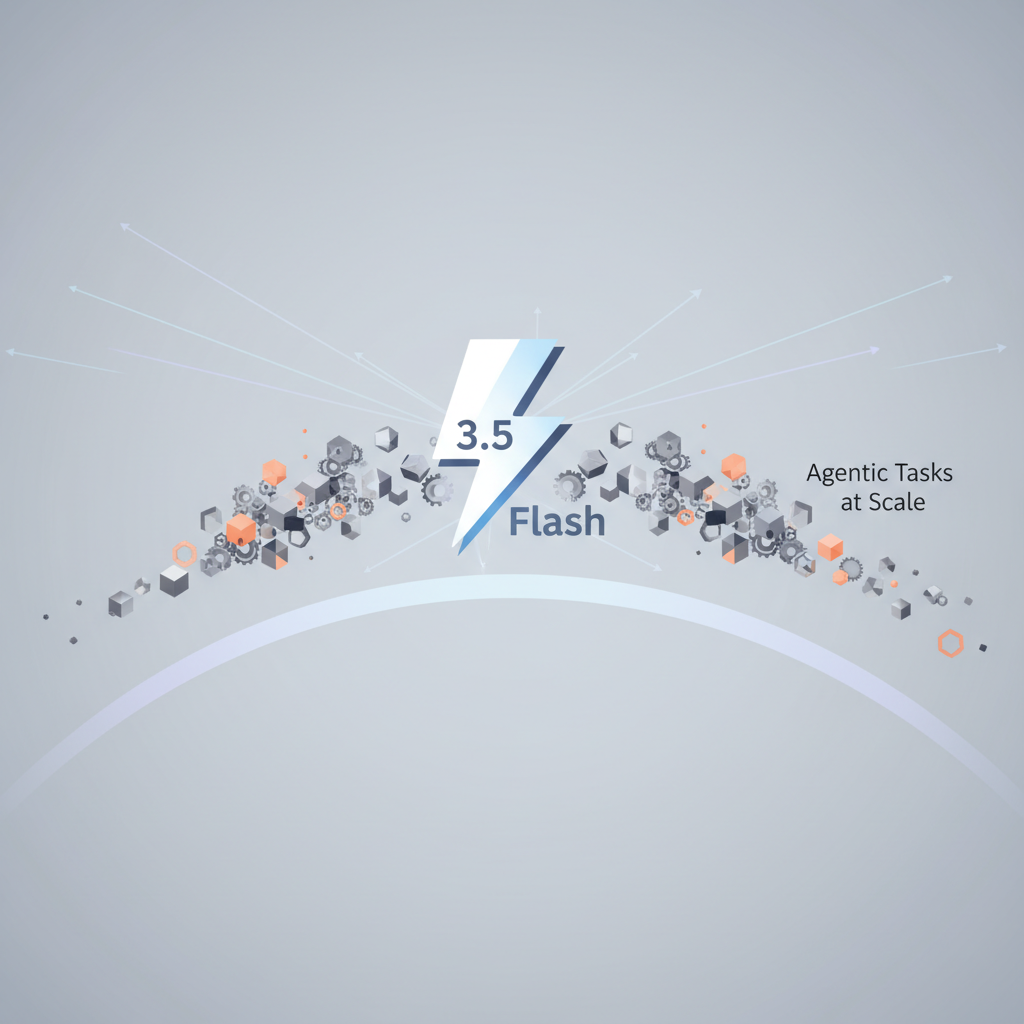
3.5 Flash delivers intelligence that rivals large flagship models on multiple dimensions, at the speeds you have come to expect from the Flash series. This balance of speed and performance makes 3.5 Flash ideal for tackling long-horizon agentic tasks.
Step 1: Take on Agentic Tasks at Scale
3.5 Flash powered by Antigravity executes multi-step workflows to automatically rename and categorize unstructured assets based on dynamic criteria.
Step 2: Create Richer, More Interactive Web UIs and Graphics
3.5 Flash builds on the strong multimodal foundation of Gemini 3. Watch as 3.5 Flash generates different UX approaches for a checkout flow in just 60 seconds on AI Studio.
- Create richer, more interactive web UIs and graphics
- Build on the strong multimodal foundation of Gemini 3
- Generate different UX approaches for a checkout flow in just 60 seconds on AI Studio
Prerequisites
- Gemini 3.5 Flash
- Antigravity harness
- AI Studio
Frequently asked questions
What is Gemini Omni?
Gemini Omni is a new model that can create anything from any input, starting with video.
What is Gemini 3.5 Flash?
3.5 Flash delivers intelligence that rivals large flagship models on multiple dimensions, at the speeds you have come to expect from the Flash series.
What is Antigravity?
Antigravity is a harness that enables 3.5 Flash to execute multi-step workflows.
What is AI Studio?
AI Studio is a platform that allows you to generate different UX approaches for a checkout flow in just 60 seconds.
What are the prerequisites for using Gemini 3.5 Flash?
The prerequisites for using Gemini 3.5 Flash are Gemini 3.5 Flash, Antigravity harness, and AI Studio.
What are the benefits of using Gemini 3.5 Flash?
The benefits of using Gemini 3.5 Flash include creating richer, more interactive web UIs and graphics, building on the strong multimodal foundation of Gemini 3, and generating different UX approaches for a checkout flow in just 60 seconds on AI Studio.
What is the primary benefit of using Gemini 3.5 Flash?
Live results